An AI receptionist is software that answers your customers when you can't. It picks up the call you missed, replies to the text that came in while you were on a roof, or answers the website chat at 11 PM. Then it passes you a clean summary: who it was, what they need and what happens next.
If you run a small business, you've probably heard the term a lot this year. This guide explains how an AI receptionist actually works, step by step, without the jargon, so you can decide whether one makes sense for you.
The Short Version
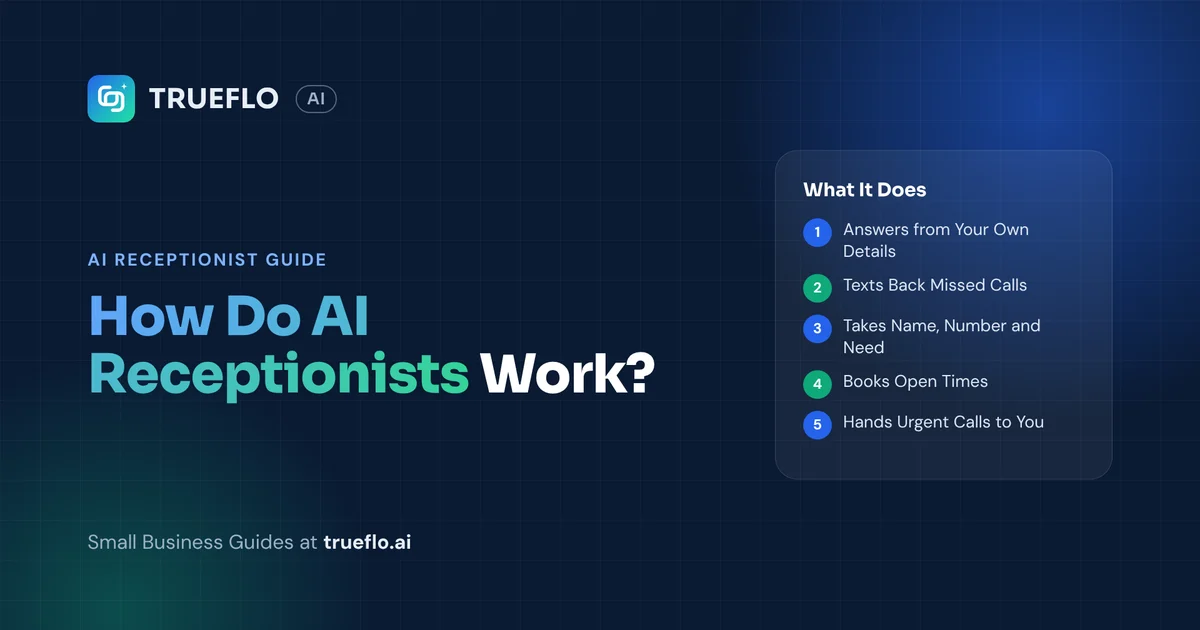
An AI receptionist does three jobs:
- It listens. A call, text, chat message or email comes in.
- It understands and answers. A language model reads the message, looks up your business details and writes a reply in plain English.
- It acts. It takes the customer's details, offers an open time, books the visit, or flags the conversation for you.
Everything else is about doing those three things well, and knowing when to stop and hand over to a person.
Step 1: The Message Comes In
Customers reach a small business in four main ways: phone, text, website chat and email. A good AI receptionist covers more than one of them, because the same customer often switches. They call, you don't pick up, and they fill in your website form five minutes later.
- Phone calls. Some AI receptionists answer the call with a voice. Others send an instant text when a call is missed, which is called missed call text back. Many owners start with the text, because customers can reply when it suits them.
- Texts. The AI reads incoming texts to your business number and replies in seconds.
- Website chat. A chat box on your site answers questions and collects details from visitors.
- Email and form leads. New enquiries get a personal reply from your own address, not a "we received your message" auto-response.
Step 2: It Answers From Your Business Details
This is the part most people wonder about. The AI doesn't know your business by magic. During setup you give it the facts: your services, prices or price ranges, hours, service area, policies and the questions customers ask most. Many tools can also read your existing website.
When a message comes in, the AI combines the customer's question with those facts and writes an answer. A well-built system answers only from what you've given it. If someone asks something it doesn't know, it should say so and offer to have you follow up, not guess.
Example: A homeowner texts at 9 PM: "Do you service Round Rock? My AC is blowing warm air." The AI checks your service area, replies that yes, you cover Round Rock, asks for their address and a good time, and offers the next open slot on your calendar.
Step 3: It Takes Action
Answering questions is only half the job. What makes an AI receptionist useful is what it does next:
- Captures the lead. Name, phone, email, address and what they need, saved in one place.
- Books the visit. If it's connected to your calendar, it offers real open times and books one. It shouldn't promise a time you haven't made available.
- Follows up. If the customer goes quiet, it sends a friendly reminder a couple of days later, then stops.
- Escalates. Urgent or sensitive conversations, like a gas smell, an angry customer or a medical question, go straight to you.
Voice vs Text: Which Kind Do You Need?
"AI receptionist" can mean two different products, and it helps to know which one you're looking at.
- Voice AI receptionists answer the phone and talk to the caller. They're good at taking details and answering simple questions. Some book appointments by phone; others, including ours, take the details and leave booking to text or chat, which is easier to get right.
- Text-first AI receptionists reply by text, chat and email. They're cheaper to run, customers can answer in their own time, and there's a written record of everything.
Many small businesses use both: text back for every missed call, and a voice answer for the calls that matter most.
What an AI Receptionist Can't Do
It's worth being clear about the limits, because over-promising is where these tools go wrong.
- It can't diagnose a problem or give a firm quote on a job it hasn't seen.
- It shouldn't give medical, legal or safety advice beyond "call 911" or "call your gas company".
- It doesn't replace your judgment on difficult customers or unusual jobs.
- It's only as good as the information you give it. Out-of-date prices give out-of-date answers.
It should also be honest. Customers should be able to tell they're talking with an AI assistant, not a person pretending to be your office manager.
How Setup Usually Works
- Connect your channels: your business phone number, website and email.
- Add your details: services, prices, hours, service area and FAQs.
- Connect your calendar, if you want it to book.
- Set the rules: what it should never say, which topics go straight to you, and when it should stop following up.
- Test it yourself. Call, text and chat as if you were a customer, and fix any answer you don't like.
Is It Worth It for a Small Business?
The honest answer depends on how many enquiries you miss today. If you're on jobs all day, closed in the evening, or juggling the phone with customers in front of you, every missed call is a customer who may try the next business on Google. An AI receptionist doesn't make you a better plumber or aesthetician. It makes sure the people who already want to hire you hear back while they're still looking.
Questions
Do customers know they're talking to an AI?
They should. A good AI receptionist introduces itself as an assistant for your business and hands over to you when asked for a person.
Can an AI receptionist book appointments?
Yes, if it's connected to your calendar. It should only offer times you've made available and send a confirmation.
What happens if it doesn't know the answer?
It should say it will check with the team, take the customer's details and flag the question for you, rather than guess.
Do I need new phone hardware?
No. Most AI receptionists work with your existing business number, either by forwarding missed calls or through a number they provide.